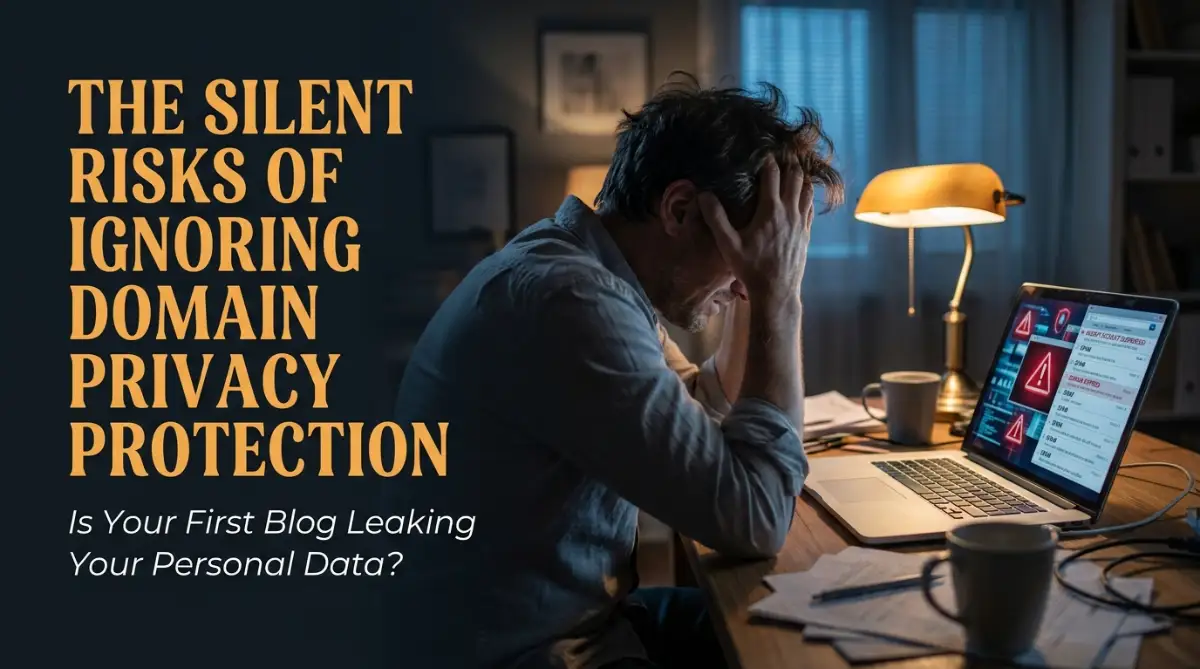
The Day My Phone Wouldn't Stop Ringing
I will never forget the exact moment I registered my very first blog name. I was sitting at my kitchen table, filled with excitement about sharing my ideas with the world. I carefully typed in my personal details, paid the registration fee, and felt a massive sense of accomplishment. But I made one massive mistake that I completely overlooked at the time. I ignored the little checkbox asking if I wanted to keep my information private.
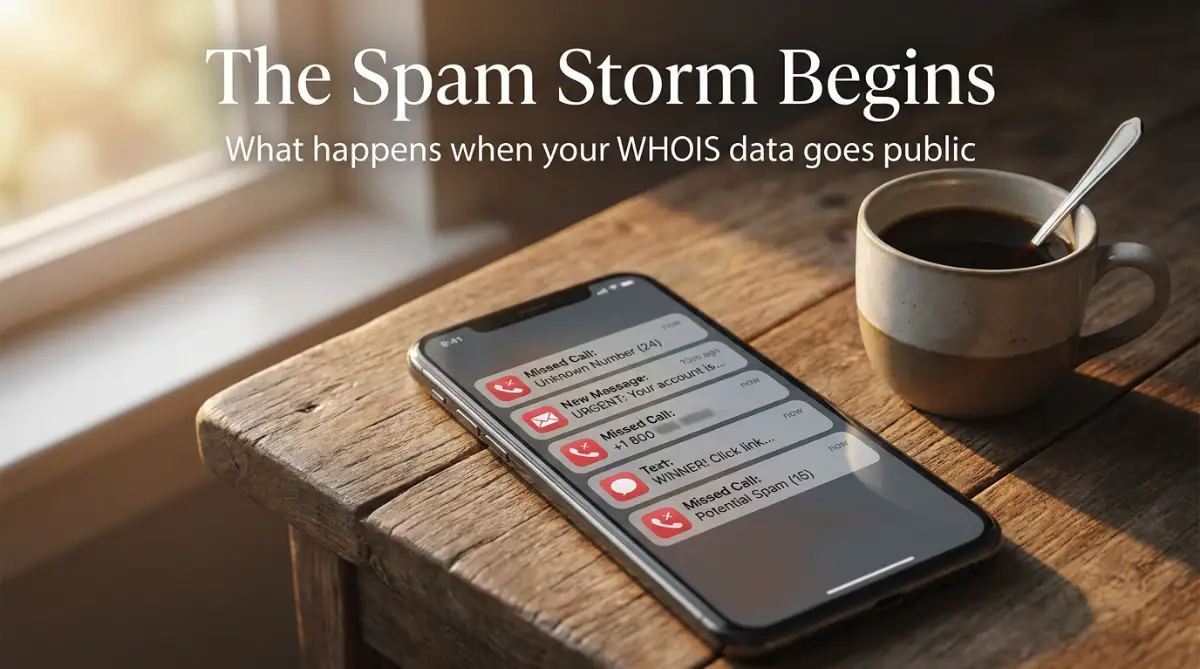
Within exactly twenty-four hours, my dream project turned into an absolute nightmare. My phone started ringing constantly with unknown numbers from across the globe. At first, I thought they were just wrong numbers, but then the voicemails started pouring in. Strangers were offering me website design services, SEO packages, and questionable marketing deals.
When I checked my email, the situation was even worse. My carefully organized inbox was buried under hundreds of spam messages. Some of these emails even included my full home address, demanding money for fake registration renewals. I felt incredibly exposed, vulnerable, and honestly, a little bit scared. My safe online space was suddenly entirely invaded.
You might be thinking this is just a rare stroke of bad luck, but it is actually the harsh reality for countless new website owners. Every single day, thousands of people start their online journey without realizing they are publicly broadcasting their private lives. They focus entirely on building their site and writing great content. They completely miss the hidden security threats lurking in the background.
When your personal data is out in the open, your mental peace simply vanishes. You find yourself feeling anxious every time your phone buzzes with an unknown caller ID. You start ignoring important calls because you assume it is just another aggressive telemarketer trying to sell you something. This constant annoyance drains the joyful energy you should be putting into your new website.
Beyond just the annoyance, there is a very real fear of physical exposure. Knowing that anyone on the internet can look up exactly where you sleep at night is deeply unsettling. Your home address, personal phone number, and primary email are all served up on a silver platter. It turns what should be an exciting creative journey into a daily exercise in anxiety management.
What Exactly Is Happening Behind the Scenes?
To understand why this happens, we need to look at a system called the WHOIS database. Think of it as a massive, public telephone directory for the entire internet. Whenever someone registers a new web address, the governing bodies of the internet require them to provide accurate contact details. This rule was originally created for transparency and accountability.
Back in the early days of the internet, this public directory was incredibly useful. If a website was doing something wrong, people needed a way to contact the owner to resolve the issue. It was a system built on trust and mutual respect among a small community of tech enthusiasts. But the internet is no longer just a small, friendly community.
Today, this public directory is an absolute goldmine for malicious actors. Automated computer programs, known as scraper bots, constantly monitor this database every single second of the day. The moment you register your new site, these bots instantly copy your name, phone number, email, and home address. They then sell this fresh data to massive marketing agencies and scam networks.
This means your private information is distributed globally before your website is even fully online. The system that was built to protect internet users is now being weaponized against innocent beginners. If you do not actively hide this information, you are basically handing out your personal business card to every scammer on the planet.
Myth vs. Reality: The Truth About Website Ownership Data
There are a lot of confusing rumors floating around about website registration rules. Let us clear up some of the biggest misunderstandings right now. Knowing the facts will help you make much smarter decisions for your online presence.
Myth: "I am just a small blogger, so nobody will care about my personal information."
Reality: Bots do not care about how big or small your website is. They run on automated scripts that grab every single new entry indiscriminately. You are targeted simply because your data is newly active, making you a prime candidate for aggressive sales tactics.
Myth: "I can just use fake information when registering my site to stay safe."
Reality: Providing fake details is a direct violation of international registration policies. If the governing authorities find out, they can completely shut down your website without any warning. You could lose your entire brand and all your hard work in a matter of seconds.
Myth: "If I get spam, I will just block the numbers and emails as they come."
Reality: The volume of spam you receive will quickly become impossible to manage manually. Spammers constantly change their phone numbers and use different email addresses to bypass your blocks. It is a never-ending game of whack-a-mole that you simply cannot win.
The Specific Threats of Leaving Your Data Exposed
Let us look closely at exactly what happens when your data remains unprotected. It is not just about getting a few annoying phone calls during dinner time. The consequences can actually impact your financial safety and your brand reputation.
First, there is the massive risk of targeted phishing attacks. Because scammers know you just started a website, they will send you highly convincing emails that look like official bills. They might claim your domain is about to expire and you need to pay immediately to save it. Many beginners panic and hand over their credit card details to these fake companies.
If you ever receive an unexpected invoice regarding your website, this is what you should do:
Here is an incredibly important step-to-step approach to handle unexpected domain bills:
Verify the Source Immediately
Do not ever click on any links inside an unexpected billing email. Instead, open a completely new browser tab and log into the actual company where you bought your website name. Check your billing dashboard directly to see if any real payments are actually due. Scammers rely heavily on creating a false sense of urgency to make you act without thinking.
Look Closely at the Sender Details
Fraudulent emails often look incredibly professional with stolen logos and official-sounding language. However, if you look closely at the actual email address of the sender, you will usually spot the fake. It might be a random Gmail account or a strange variation of a real company name. Always trust the raw email address over the pretty display name.
The Identity Theft Connection
Another major concern is the risk of identity theft. Your home address, full name, and personal phone number provide a strong foundation for someone trying to impersonate you. Hackers can cross-reference this newly acquired data with other leaked databases found on the dark web. Slowly but surely, they build a comprehensive profile of who you are.
They might use this information to try and gain access to your social media accounts or even your bank details. It sounds like something out of a movie, but it happens to regular people every single day. Why make it easy for them by leaving your front door wide open?
Competitors Watching Your Every Move
When you start a successful project, other people in your niche will naturally become curious. If your registration data is public, anyone can easily look up exactly who owns the site. They can see when you registered it, where you live, and sometimes even what other websites you own.
This gives your competitors an unfair advantage. They can map out your entire online portfolio and monitor your business moves. Keeping this information private ensures that your business strategies remain your own. It allows you to build your brand quietly and securely without unwanted spectators.
A Painless Blueprint to Securing Your Identity Online
Now that we understand the deep risks involved, it is time to take immediate action. Securing your personal data is actually a very straightforward process once you know what to look for. You do not need to be a technical genius to protect yourself effectively.
Step 1: Audit Your Current Exposure Level
Before you do anything else, you need to know what the public can currently see. There are many free public lookup tools available online that will show you exactly what is tied to your web address. Simply type your website name into one of these tools and hit search. If your personal name and home address pop up on the screen, you are currently completely exposed.
Step 2: Contact Your Registration Provider
Log into the account where you originally purchased your web address. Look for the security or privacy settings panel in your dashboard. Most modern providers make this option very easy to find, often labeling it as "Identity Protection" or something similar.
Step 3: Activate the Shield
Once you find the option, turn it on immediately. What this does is essentially place a privacy proxy between your personal details and the public directory. When someone looks up your site now, they will only see the contact information of your privacy service provider. Your actual personal details remain safely locked away in a secure, hidden vault.
Here is a practical realization I had during my own journey.
I used to think that if my data was exposed for just a few days, I could simply hide it later and everything would be fine. Pro Tip: I quickly learned that there are historical archive websites that permanently record public data the moment it goes live. If you do not enable protection from the very first second of registration, your private information might be permanently saved on these archive sites forever. Always turn on privacy before you complete the checkout process.
Why Video Explanations Make Everything Easier
Sometimes reading about technical settings can feel overwhelming, especially when you are looking at a complex dashboard. Seeing someone actually click through the screens can give you the confidence to make these changes yourself. Watch this clear, visual walkthrough below to see exactly how your private information gets intercepted and how you can lock it down in under two minutes.
Comparing the Two Realities
To make things perfectly clear, let us look at exactly what happens to your data in both scenarios. This simple breakdown will show you exactly what you are sharing with the world.
As you can clearly see from the table above, the difference is completely night and day. You are essentially deciding between broadcasting your life to strangers or maintaining total control over your digital footprint.
The Hidden Impact on Your Brand Trust
There is an interesting psychological aspect to all of this that most beginners completely ignore. When regular visitors or potential business partners look up your website, they want to see professionalism. If they see a random residential apartment address tied to your brand, it might make you look like a temporary hobbyist.
By using a privacy shield, the public record shows a professional corporate address belonging to the privacy company. It immediately makes your operation look more established and secure. You get the dual benefit of keeping yourself completely safe while projecting a much more authoritative image to the outside world.
Many people hesitate to use this feature because they worry it might negatively affect their search engine rankings. They think search engines prefer sites with fully transparent public data. This is simply not true in today's modern web environment.
Search engines fully understand that website owners have a fundamental right to personal privacy. Millions of highly successful, top-ranking websites use these exact privacy shields. Protecting your identity will not harm your traffic or your online growth in any way whatsoever.
Managing Existing Spam Issues
If you are reading this and realizing you have already been exposed for months, do not panic. While you cannot erase the data that has already been copied, you can stop the bleeding right now. Turn on your privacy settings immediately to prevent any future automated scrapers from grabbing your details.
Next, you need to manage the spam that is already hitting your phone and inbox. Set your phone to automatically silence unknown callers for a few weeks. Most modern smartphones have a built-in feature designed exactly for this purpose. The telemarketers will eventually realize you are not picking up and they will slowly stop calling.
For your email, start aggressively using your spam filter. Every time a scam invoice or weird marketing offer comes in, do not just delete it. Mark it actively as spam so your email provider learns to block similar messages in the future. It takes a little bit of time, but your inbox will eventually return to normal.
Starting a new blog should be an incredibly exciting adventure filled with creativity and growth. You should be spending your time writing amazing articles and connecting with your real audience. You absolutely should not be spending your evenings fighting off aggressive telemarketers or worrying about identity theft.
Take control of your personal data today. It is the very first and most necessary step in treating your new website like a real, serious business. Protecting your peace of mind is just as important as writing great content.
Master-Level Tactics to Keep Your Online Identity Completely Hidden
Once you realize the sheer amount of public data you are actively sharing, turning on a basic privacy shield is just the first logical step. If you really want to build a secure fortress around your new website, you need to think a few steps ahead of the scammers. I want to share some incredibly effective strategies that most regular website owners never even think about.
These are the exact methods professional developers use to keep their personal lives completely separated from their online businesses. You do not need any special technical skills to set these up right now. You just need to change how you approach your digital security setup.
The Power of the "Burner" Registration Email
Even with privacy features activated, there is always a tiny chance that your primary email address might slip through the cracks during a server update or a transfer process. This is why you should never use your personal, everyday email address to register a new website name. If your personal inbox gets compromised or flooded with spam, it can disrupt your entire life.
Instead, create a completely separate, dedicated email address just for handling your website registrations and hosting accounts. Think of this as your digital quarantine zone where potential threats are safely contained. If spam bots somehow discover this specific address, they are only flooding a secondary inbox that you can easily ignore or delete without affecting your main work.
When you keep your digital communication organized like this, you prevent a lot of unnecessary headaches. You easily dodge the annoying phishing attempts that clutter up your main inbox. It is a very simple habit, but failing to separate these accounts is one of those hidden habits ruining your credit score and your mental peace when identity thieves eventually find you.
Setting Up a Virtual Business Address
Many people mistakenly believe they have to provide their actual residential home address when registering an online brand. While you must provide real and accurate contact information to comply with global internet rules, nobody says it has to be the place where you sleep at night. This is exactly where setting up a virtual mail address becomes an absolute game changer.
A virtual business address is a real, physical street location managed by a third-party administrative company. They receive your physical mail, scan it securely, and send it to you digitally through an app. By using a virtual address for your website registration, you are putting a massive physical wall between strangers on the internet and your front door.
This strategy is incredibly smart for anyone starting an online store or a local service blog. If your business ever faces a legal issue, keeping your home address off public records is the best way to protect your personal assets from business loan risks or unexpected lawsuits. It instantly makes your small project look like a highly established corporate entity.
Understanding Global Data Rules and Your Rights
It really helps to understand who actually controls the rules of the internet. The organization responsible for managing all web addresses is known as the Internet Corporation for Assigned Names and Numbers. They are the ones who mandate that every single website must have a verifiable owner attached to it.
You can easily read up on your specific rights as a website owner by checking the official ICANN registrant rights and responsibilities guidelines. They clearly state that you are allowed to use proxy services to hide your details, as long as the underlying information you provide to the proxy company is completely accurate. You have a fundamental right to personal safety.
If you happen to live in a region protected by strict data laws, like the European Union, some of your details might be hidden automatically by default. However, you should never blindly trust automated systems to protect your safety. The Cybersecurity and Infrastructure Security Agency's tips on securing personal data strongly recommend that you always manually verify that your home address and phone number are completely masked from public view.
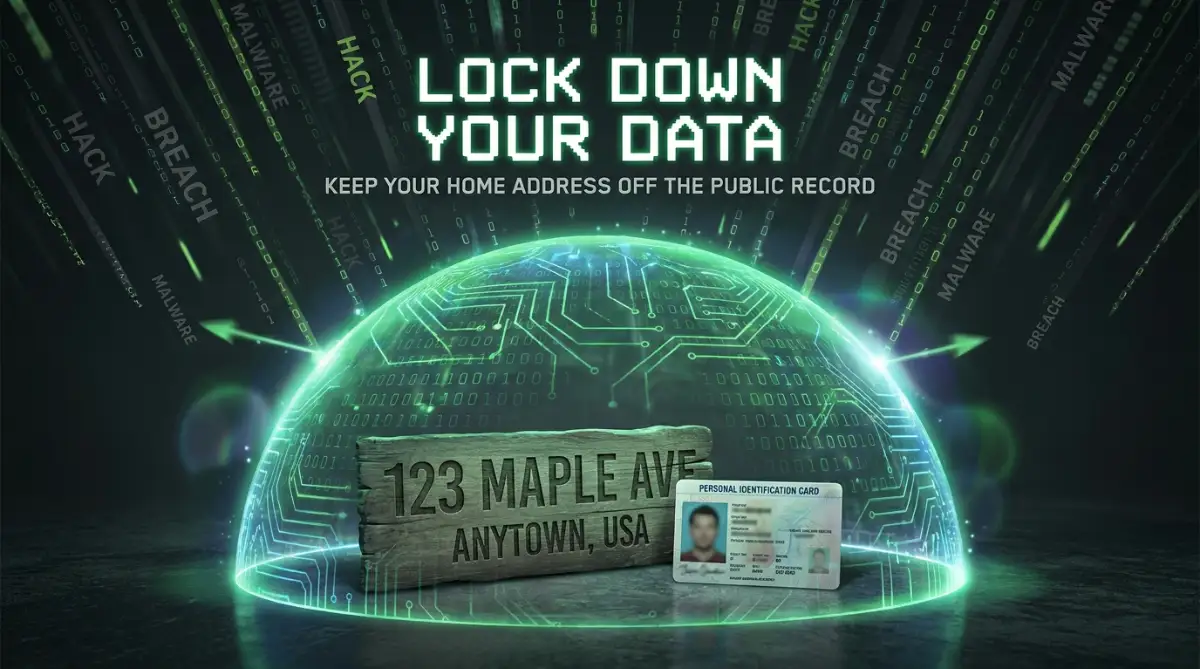
The Dangerous Traps Most New Website Owners Fall Into
Knowing what to do is only half the battle when building a successful blog. Knowing exactly what to avoid is often much more important for your long-term success. I have watched so many enthusiastic beginners make the exact same mistakes, and the emotional toll it takes on them is genuinely heartbreaking.
When you are stressed out by non-stop spam calls and threatening fake invoices, you lose all your creative energy. Let us walk through the most common traps that catch people off guard, so you can safely step right over them.
Trap 1: The "I Will Fix It Later" Mentality
This is easily the most common and damaging mistake you can make as a beginner. You buy your website name, see the extra fee for privacy protection, and tell yourself you will add it next month when your blog makes some money. You think a few days of public exposure will not hurt anything.
Here is the terrifying reality about the internet: public data does not just sit in one place waiting for you to change it. The moment your details go live, automated scraper bots copy your information and paste it into dozens of different historical archive sites. Even if you turn on your privacy shield three days later, your personal details are already permanently saved on these third-party databases.
Once your information is archived by these massive data brokers, fixing this mess can feel as overwhelming as managing debt consolidation and recovery because the calls simply will not stop. The spam will continue for months because your phone number is now circulating on private marketing lists. You must activate your protection on the very same day, during the exact same checkout process.
Trap 2: Using Fake Information to Save Money
When some beginners see the extra cost of privacy services, they try to outsmart the system entirely. They type in a fake name like "Mickey Mouse," use a random phone number, and enter a fake street address. They think they have brilliantly solved the problem for free.
This approach is basically a ticking time bomb for your online business. Registration authorities frequently send out automated verification emails to check if your contact details are real. If an email bounces back, or if someone reports your site for having fake details, your entire website will be instantly suspended without any warning.
Losing your website because you wanted to save a few dollars is a terrible feeling. You could lose years of hard work, your search engine rankings, and your entire audience in a single afternoon. Always use your real information, but use proper proxy tools to keep that real information safely hidden from the public.
Trap 3: Confusing SSL Certificates with Identity Protection
This is a massive educational hurdle that trips up thousands of new bloggers every single week. When setting up a site, your hosting company will strongly encourage you to install an SSL certificate. This is the security feature that adds the little padlock icon next to your website name in the browser.
Many people see that green padlock, assume their entire website is now "secure," and completely ignore their registration data. An SSL certificate only protects the data flowing between your readers and your website, like their passwords or credit card numbers. It does absolutely nothing to hide your personal home address from the public registration directory.
Thinking an SSL certificate protects your identity is one of those warning signs you can't ignore when managing your digital safety. You must have both features active to run a safe website. SSL protects your visitors, while the privacy shield protects you and your family from outside threats.
Trap 4: Trusting Random Security Audit Emails
Once your information is public, you will likely receive highly official-looking emails claiming your website has critical security vulnerabilities. These messages often include a link to a "free audit report" or ask you to pay a fine for violating some imaginary internet law. They prey heavily on the fear and confusion of new website owners.
These emails are specifically designed to look like they come from official government agencies or your hosting provider. If you click their links, they will either install malicious software on your computer or trick you into signing up for useless, expensive services. You have to learn how to heavily scrutinize every single email you receive regarding your website.
Just like you would carefully spot predatory payday loan contracts by reading the fine print, you must read the actual sender email address on these security alerts. If it does not end with your official hosting provider's exact domain name, immediately send it to your spam folder. You can always learn more about identifying these fake alerts by checking the Federal Trade Commission's guide on phishing and online scams.
Trap 5: Sharing Access with Unknown Freelancers
When building your first site, you might hire a cheap freelance developer to help you fix a design issue. Many beginners make the huge mistake of giving these strangers full administrative access to their entire hosting account. They do not realize that the developer can now see all their private billing and registration details.
If that freelancer's computer is compromised, or if they decide to act maliciously, your personal data is completely exposed again. This is exactly how hackers find easy backdoors into otherwise secure systems. You always need to protect personal assets from unsecured business loans and similarly, you must protect your core registration data from unsecured third-party developers.
If you need to hire help, only give them limited access specifically to the website files. Never give a temporary worker the master password to your main hosting dashboard. Following strict access protocols is a standard practice outlined in Stanford University's internet privacy recommendations for maintaining digital safety.
Your Blueprint for a Stress-Free Blogging Journey
Building an online presence should be an incredibly rewarding experience, not a source of constant anxiety. By understanding how public directories actually work, you have already taken a massive step ahead of most beginners. You now know exactly how scammers operate and, more importantly, how to completely block them out of your life.
Securing your personal details is not about hiding bad behavior; it is about establishing healthy boundaries in a digital space. When you use proper proxy services and dedicated business emails, you are taking your project seriously. You are telling the world that you are a professional who values their personal safety and brand reputation.
Taking control of your digital footprint gives you incredible peace of mind. Instead of wasting hours blocking spam calls or worrying about identity theft, you can channel all that energy into creating amazing content for your readers. You get to enjoy the fun parts of blogging without carrying the heavy burden of public exposure.
I remember exactly how relieved I felt the day I finally hid my home address from the public eye. My phone went instantly silent, my inbox cleared up, and I could finally focus purely on growing my brand again. Take these simple protective steps today, update your settings tonight, and I promise you will sleep so much better knowing your family's information is completely off the grid.
Common Questions About Shielding Your Website Data
Does hiding my personal information affect my search engine rankings?
No, it does not negatively impact your rankings in any way whatsoever. Search engines completely understand that individuals have a basic right to personal privacy. Millions of highly successful, top-ranking blogs use these exact same protective features to stay safe.
Can I add this protection after my website is already live?
Yes, you can easily log into your account and turn the feature on right now. However, you should understand that any data exposed before you turned it on might already be saved on third-party archive sites. It is always better to activate it late rather than completely leaving your front door open forever.
What happens if I want to sell my website later on?
Having a privacy shield actually makes selling your website much easier and safer. When you transfer ownership to the buyer, you simply turn off the shield temporarily to complete the legal transfer process. Until that specific moment, your identity remains completely separated from the public transaction.
Do I really need this if my blog is just a tiny personal hobby?
Absolutely, because automated scraper bots do not care if your site gets ten visitors or ten million visitors. They scrape every single new registration indiscriminately the second it goes live. Protecting a small hobby blog is just as necessary as protecting a massive corporate platform.
Will I lose legal ownership of my brand if I use a proxy service?
Not at all, as long as you use a reputable and official provider. Even though the public directory shows the proxy company's name, you are still the sole legal owner in the internal, private records of the registration authority. You retain complete control to move, modify, or delete your website at any time.
Disclaimer: The information provided in this article is purely for educational and informational purposes. It does not constitute formal legal advice, cybersecurity consulting, or professional business guidance. Internet regulations and hosting provider policies change frequently. Always consult directly with your official service provider or a qualified IT professional before making significant changes to your website's security or registration settings.